
Sell from a living map
of your project.
Upload your site plan once. The system finds the buildings on it, you link them to your data, and your sales team sees live availability, prices and handover dates on the map.
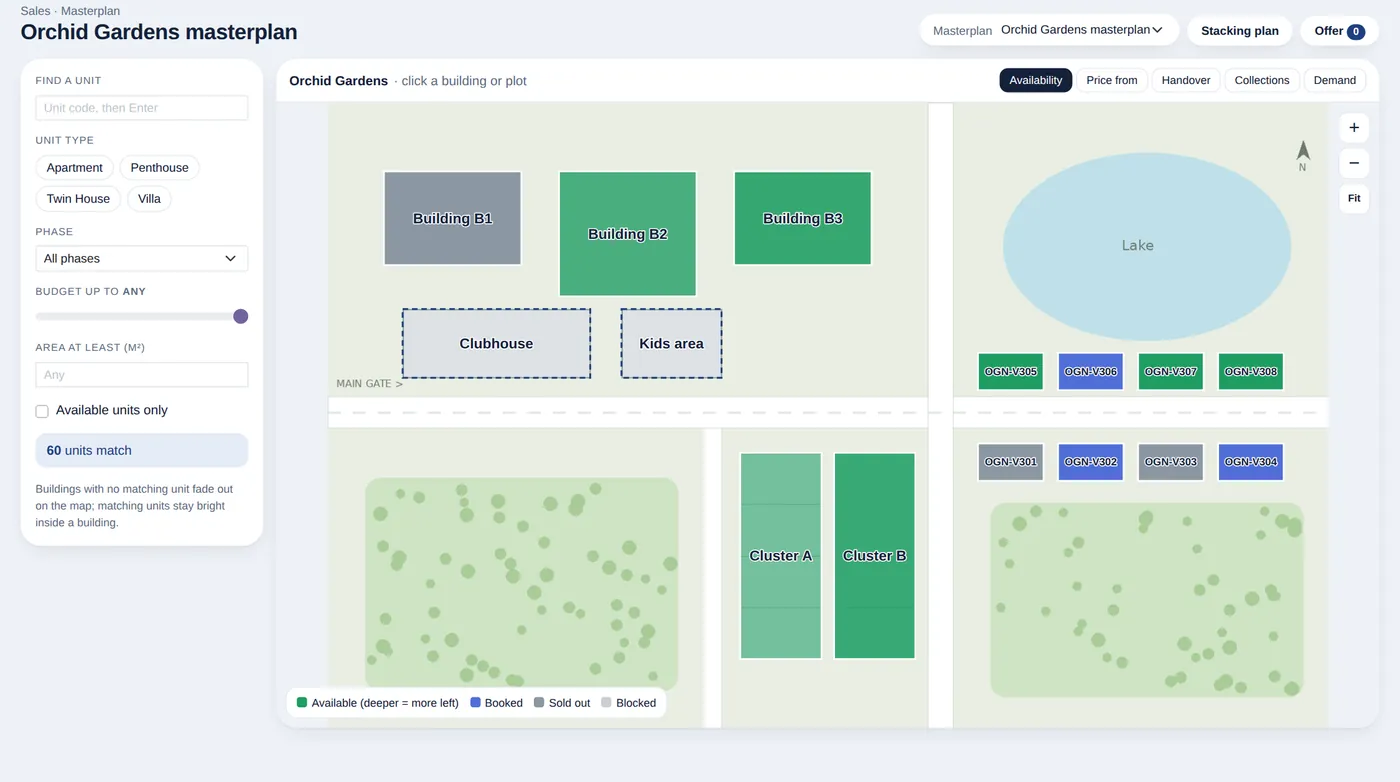
A map that is always up to date
Each building and plot takes its colour from live data. Your sales team never checks a separate sheet to see what is left.
- Layers for availability, starting price, handover quarter, collections and demand
- Filter by unit type, phase, budget and area, and matching buildings light up
- Click a building to see it floor by floor, then open a unit
- From the unit: payment plans, booking, expression of interest and an offer ready to send
No need to draw every building
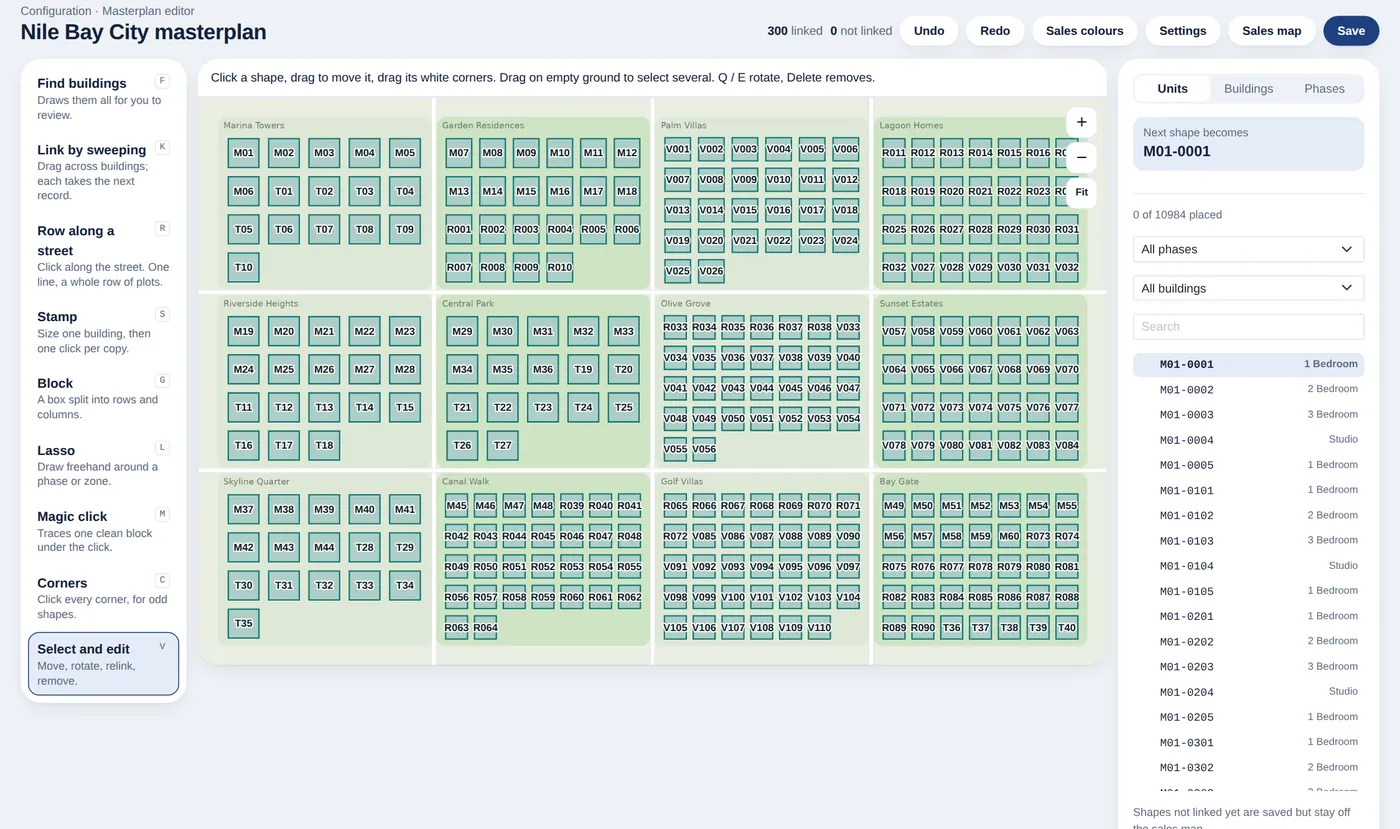
Plans are hard to draw by hand, so the editor does most of the work. It looks at your site plan image and proposes the buildings for you to review.
- Finds buildings on the plan automatically, for you to review and accept
- Link many shapes to their buildings by sweeping across them
- Row, stamp, block and lasso tools for the rest
- Tested on a demo plan of 300 buildings
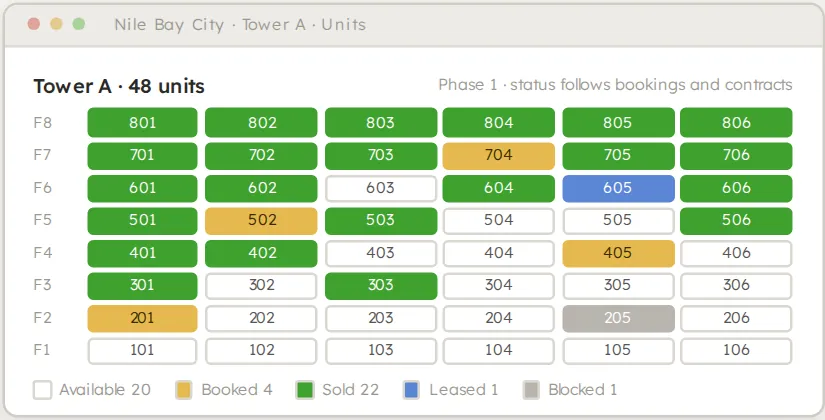
Buildings, floors and sides
Project, phase, building and unit are one hierarchy in the base system. A building can have all four sides or only two, so a floor view matches how the units really sit.
- Buildings and sides come in with your data through the standard import
- Sides are optional and configured per building
- Sales see view and facing, and managers set the sides
Common questions
What is an interactive masterplan in real estate?
It is a clickable site plan connected to live unit data, so buyers and sales staff can see what is available, at what price and when it will be handed over, directly on the map of the project.
Do we have to draw every building by hand?
No. The editor finds buildings on your site plan image for you to review, and you link them to your data. Drawing tools cover anything it misses.
Does the masterplan need separate software?
No. It is part of XSquare Real Estate and reads the same units, bookings and contracts as the rest of the system.
Is it for buyers or for sales staff?
Today it is for your configuration team and your sales team, inside the system.
Related features
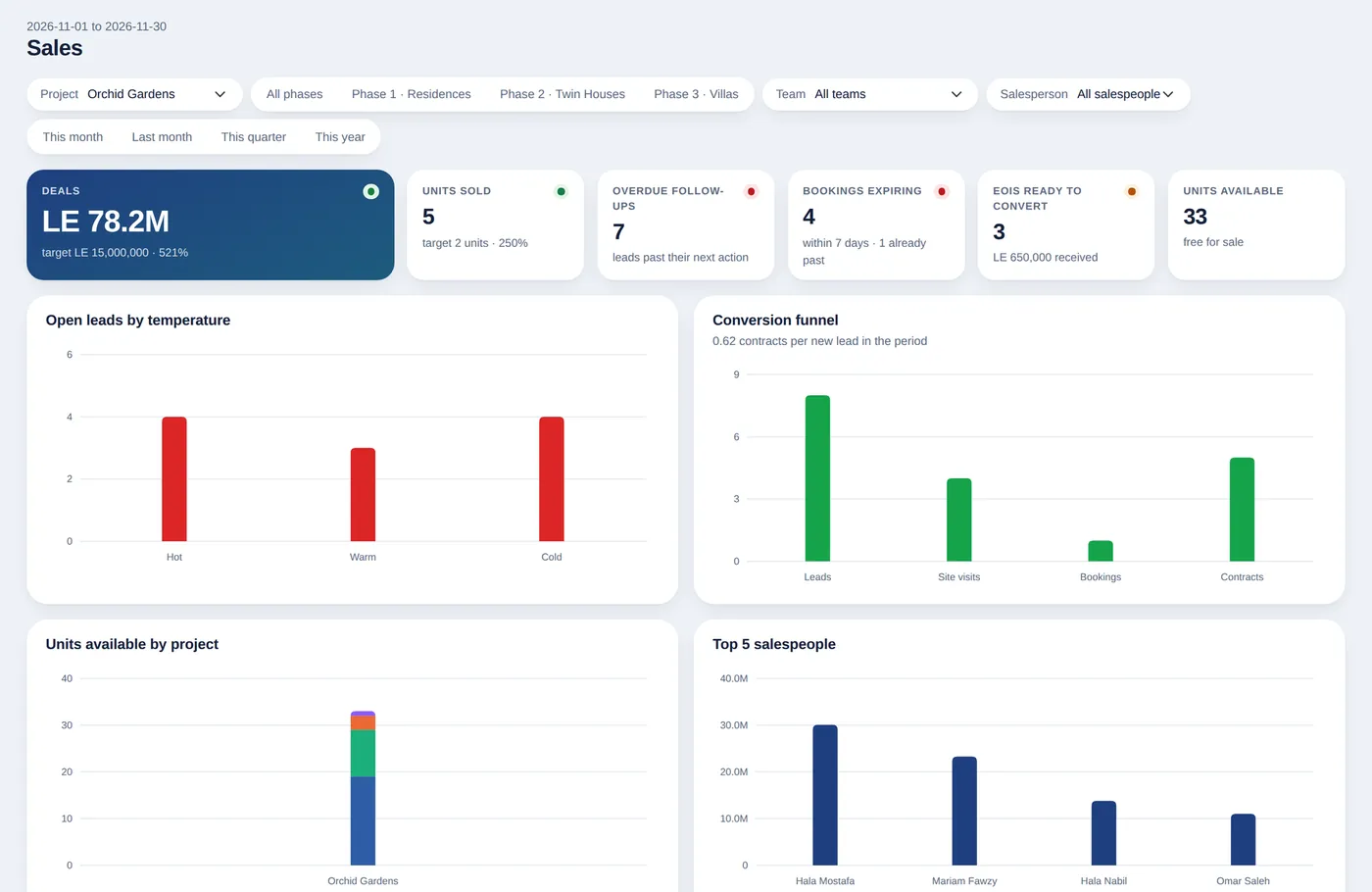
Sales and bookings
Live units, expressions of interest, real deposits and a sales workspace.
See the feature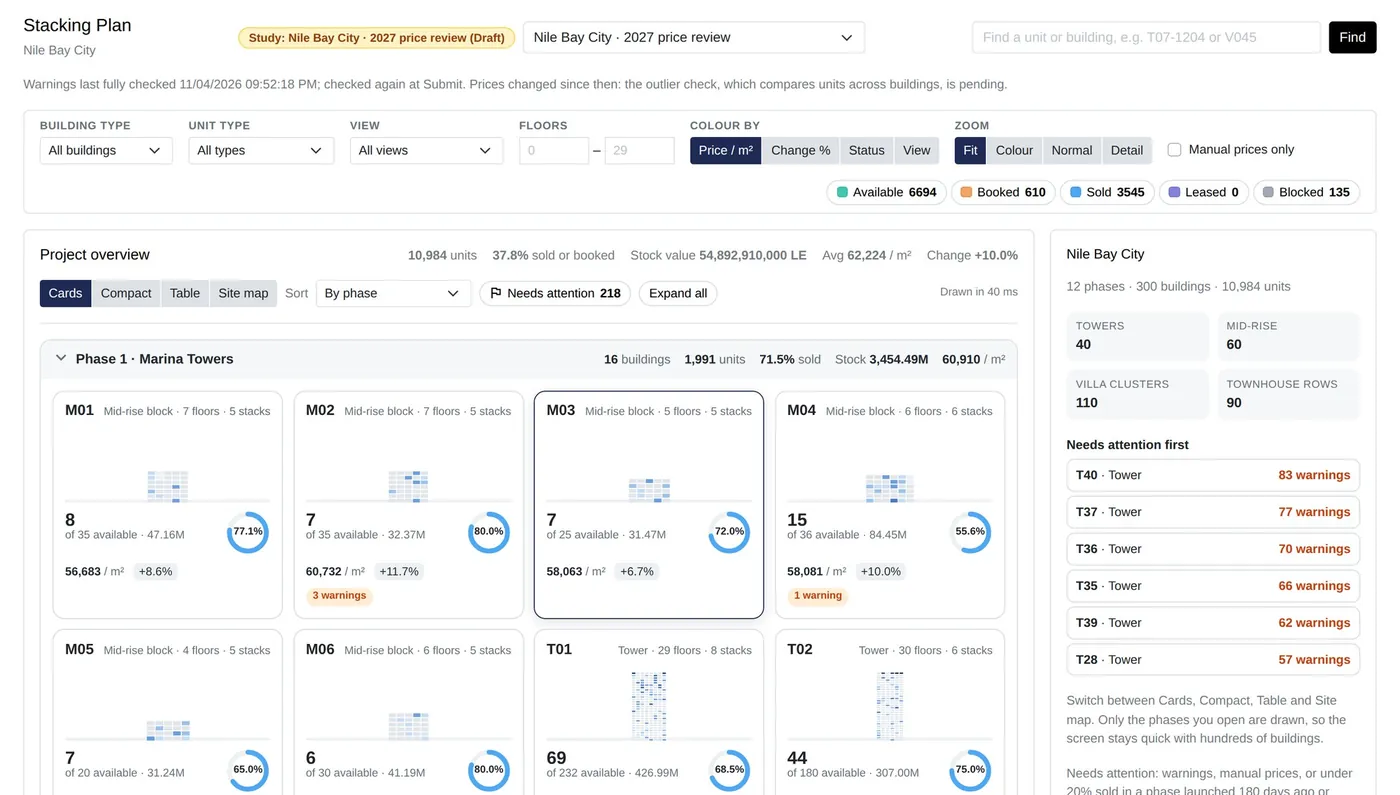
Pricing Studio
Pricing matrix, stacking plan, releases, plan value and absorption.
See the feature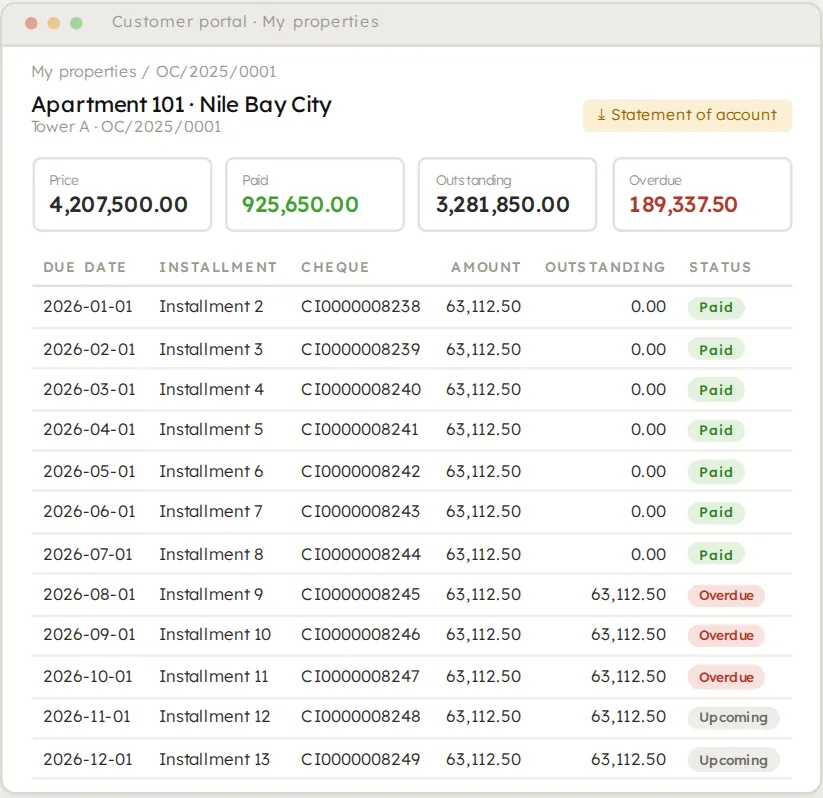
Buyer and sales apps
A customer portal, a buyer app and a sales app in your own brand.
See the featureSee it on your own project.
Bring your project, your payment plans and your hardest questions. We walk you through the system in a live demo.